Self Assessment is the system HM Revenue & Customs (HMRC) uses to collect tax that is not automatically taken from your wages. If you are a freelancer, a landlord, or have other untaxed income, you must register to tell HMRC exactly what you have earned.
Registering is a simple process, but missing the strict deadlines can lead to heavy fines. This step-by-step guide walks you through the entire process, ensuring your tax record is set up correctly from the very start.
Who Needs to Register for Self Assessment?
You generally need to register if you receive income that has not been taxed “at source” (such as through a standard employer payslip).
Common reasons you may need to register include:
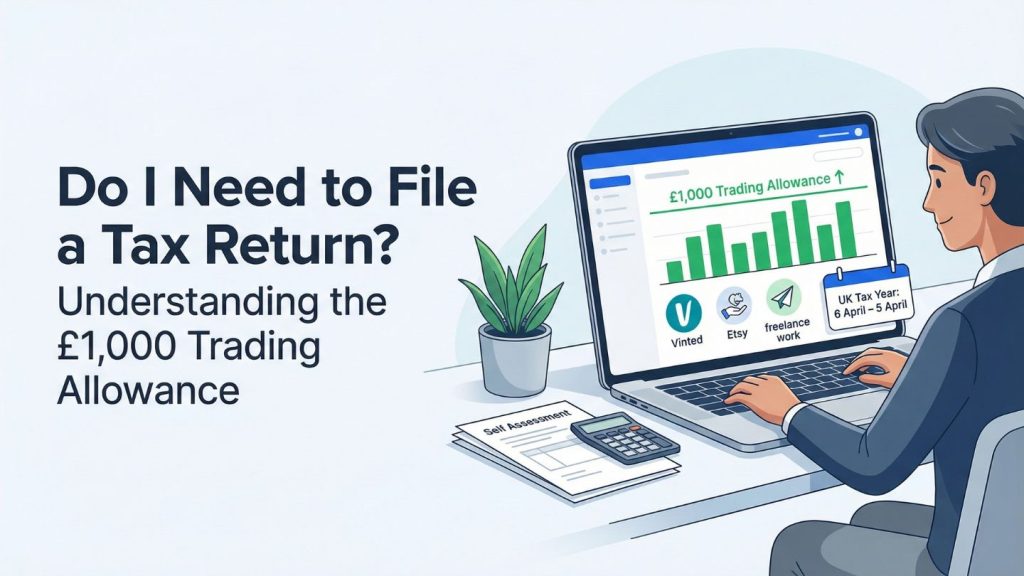
- Sole Traders: If you earned more than £1,000 in a tax year from self-employment.
- Landlords: If you earned more than £1,000 from renting out a property.
- High Earners: If your total taxable income went over £150,000 (the new threshold for those taxed via PAYE).
- Dividend Income: If you earned more than £500 in company dividends outside of a tax-free ISA.
- Capital Gains: If you sold a major asset (like a second home or shares) for a profit.
If you are still unsure about your specific situation, we have a detailed guide to help you figure out whether you need to file a tax return.
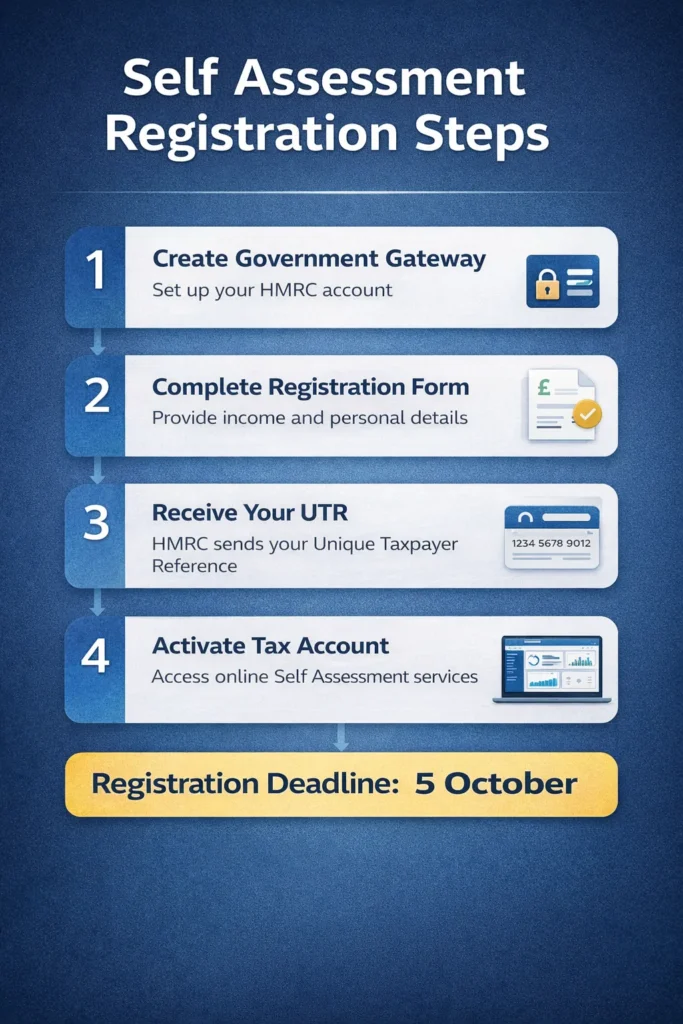
The Golden Deadline: 5 October
If you started earning untaxed income during the 2025/26 tax year (which runs from 6 April 2025 to 5 April 2026), you must legally register for Self Assessment by 5 October 2026.
Registering early is highly recommended. It ensures you receive your Unique Taxpayer Reference (UTR) in plenty of time to file your return and safely meet your upcoming tax deadlines.
Step 1: Choose Your Registration Category
HMRC provides different registration paths depending on your personal situation. You will usually need to register as one of the following:
- Self-employed (Sole Trader): You run your own independent business.
- Not self-employed: You are a landlord, a high earner, or a company director, but you do not run a sole trader business.
- Partner: You operate within a formal business partnership.
Step 2: Create a Government Gateway Account
To manage your taxes online, you need a secure digital login. If you do not already have one, visit the official GOV.UK website to create a “Government Gateway” user ID.
You will need:
- Your full name and a valid email address.
- Your National Insurance (NI) number.
- To create a secure, memorable password.
Step 3: Complete the Registration Form
Once you have logged into your new Government Gateway account, follow the on-screen prompts to “Register for Self Assessment.”
You will be asked to provide:
- Your personal details, including your home address and date of birth.
- The exact date your untaxed income started.
- The specific type of work or income you are reporting to HMRC.
If you have never done this before, reading a first-time tax return guide can help clarify what HMRC expects from you.
Step 4: Receive Your UTR Number
After you submit your registration, HMRC will process your application and send you a Unique Taxpayer Reference (UTR) by post.
- What is it? A highly important 10-digit number that is unique to you.
- Timeline: The letter usually arrives within 10 to 14 working days.
- Keep it safe: You will need this 10-digit number every single time you file a tax return or speak to HMRC on the phone.
Step 5: Activate Your Online Tax Account
Shortly after sending your UTR, HMRC will often send a separate activation code in the post for security reasons.
Once this arrives, log back into your Government Gateway account and enter the code. Your “Online Tax Account” is now fully active. From here, you can view how much tax you owe and officially submit your Self Assessment tax return.
Step 6: Mark Your Key Tax Deadlines
Once you are successfully registered, you must remember these critical dates for your first filing to avoid Self Assessment penalties:
- 5 October 2026: Deadline to register for Self Assessment.
- 31 October 2026: Deadline if you prefer to submit a paper tax return.
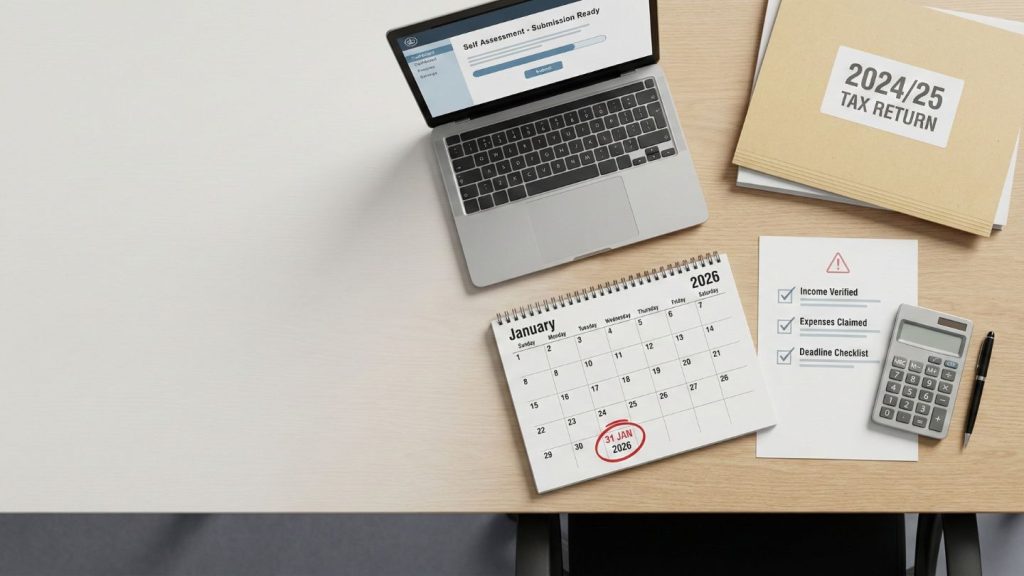
- 31 January 2027: Deadline to submit your online tax return AND pay the tax bill you owe.
Frequently Asked Questions (FAQs)
1. I registered years ago but stopped filing. Do I need to register again?
If you have not filed a return for a few years, your Self Assessment account may simply be “dormant.” You do not usually need a brand-new UTR, but you will need to reactivate your account. You can log into your Government Gateway account or call the HMRC helpline to inform them you need to file again.
2. Can I register for Self Assessment before the tax year ends?
Yes. If you know you will need to file a tax return, you can register as soon as you start your business or begin receiving rental income. You do not have to wait until the end of the tax year in April.
3. What happens if I lose my UTR number?
Do not worry. You can find your 10-digit UTR on any previous letters from HMRC, inside your online Government Gateway tax account, or on the official HMRC app. If you still cannot find it, you can call the Self Assessment helpline for assistance.
4. Do I need to register if I am only doing a small “side hustle”?
If you earn less than £1,000 gross (before expenses) in a single tax year from your side hustle, you usually do not need to tell HMRC or pay tax on it. This is due to the UK’s Trading Allowance. However, the moment you earn £1,001 or more, you must register.
5. Is a UTR the same as a National Insurance number?
No. Your National Insurance (NI) number tracks your right to work, state benefits, and your State Pension over your entire life. Your UTR is specifically designed for the Self Assessment tax system. You will need both numbers to successfully register.

Muhammad Bilal is a Fellow Chartered Certified Accountant (FCCA) and Director of Protax Consultants, a London-based accounting firm specialising in tax advisory, compliance, and business accounting services.
Bilal qualified with the Association of Chartered Certified Accountants (ACCA) in 2009 and later achieved FCCA status after gaining extensive professional experience. With more than 13 years of experience in accounting, taxation, and auditing, he advises SMEs, landlords, contractors, and charities on tax planning, compliance, and financial management.
As a registered HMRC agent, Bilal assists clients with Self Assessment tax returns, corporation tax planning, VAT compliance, payroll services, and HMRC enquiries.
Bilal holds a BSc (Hons) in Applied Accounting and leads the audit and compliance function at Protax Consultants.
Company Verification:
Protax Consultants Ltd – Company Number 14701253
View Companies House Record